
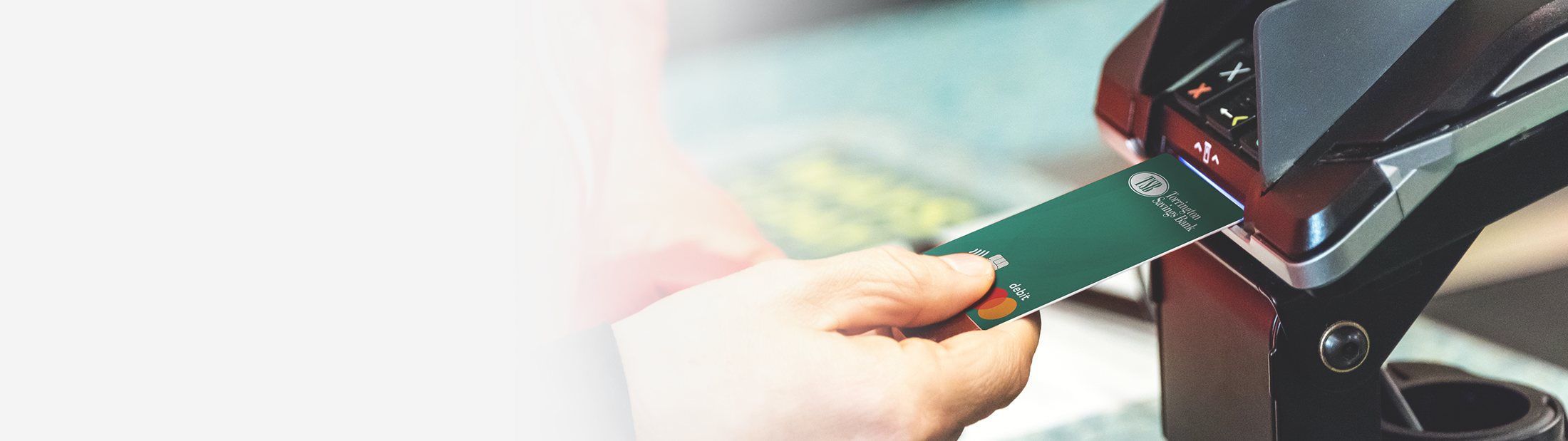




Debit Card Controls & Alerts
That Protect Your Money
Stay in control of your debit card with real-time alerts and customizable settings that help you monitor card activity, recognize transactions, and respond quickly when needed.
Control How and When Your Card is Used
Instantly at your hands to help you protect and act fast if fraud occurs.
With ease, you can:
- Activate your debit card
- Set and change your PIN
- Turn your card On/Off anytime its misplaced or lost
- Set controls on how and where its used by location, transaction or merchant type, and spend thresholds
More Ways to Manage Your Card
- Add card to your digital wallet
- Report a lost/stolen debit card
- Set travel plans to avoid unnecessary transaction interruptions
- View which merchants have your debit card saved on file


Card Transaction Insights
Recognize transactions at a glance and understand spending patterns over time.
- View debit card transactions with enhanced purchase details
- Recognize merchant so unfamiliar names make sense
- Quickly confirm if a charge needs your attention
- See where your money goes with a visual breakdown of spending categories
- Review activity without digging through statements
Alerts to Keep You Informed in Real Time
Set up standard or custom alerts so you’re instantly notified about your card activity.
Choose to be notified when:
- Your card is used
- A transaction is declined and why
- Suspicious activity occurs so you can act quickly if something isn’t right
What if it’s Really Me?!
If a transaction is declined because of fraud, you will receive a text, email, or phone call to let you know. You can approve the denial and perform the transaction.

Sign in and select ‘Manage Cards’ to set your Card Controls and Alerts today!
Get more FAQs on Card Controls and Card Alerts
Card Alerts allow you to receive push notification or e-mail alerts notifying you of recent debit card transactions. You can activate or deactivate card alerts, set card alerts for all transactions, transactions based on predefined locations, including international, transactions that exceed a specified spend limit, or specific types of merchants and/or transaction types.
Card Controls allow you to take control of your Torrington Savings Bank Debit Cards through Online Banking or the TSB Mobile App, so you can define when, where, and how your card is used. With a few taps, you can turn your card on and off, restrict card usage to specific types of merchants and/or transaction types, or specific geographical regions.
- Log in to TSB Online or Mobile Banking
- Select “Manage Cards” from the menu
- Select the desired card
- Select “Controls & Alerts” and follow prompts
The Card on File list lets you track merchants where your card is saved for payment and purchases. Please contact the merchant or service provider if you want to update or remove your card information on their file.
The “Controls & Alerts” option allows you to be notified when your card is used for all or certain types of transactions:
- All Card Transactions: Receive an alert every time a transaction is attempted using your card.
- Transactions Exceed $_____: Receive an alert every time a transaction is attempted for an amount exceeding a spend limit you specify.
- Location: Receive an alert every time a transaction occurs outside your selected region or internationally.
- Merchant Types: Receive an alert every time a transaction is attempted at selected merchant types.
- Transaction Types: Receive an alert every time selected transaction types are attempted (such as ATM, online, in-store, autopay or other).
For questions regarding Card Controls or to report fraud please contact us at (860) 496-2152 or visit TorringtonSavings.Bank for more information.
Yes, with a single tap, you can immediately disable a debit card. When a card is OFF, new purchases and ATM transactions are declined. You can easily turn the card back to ON at any time. Changes are immediate.
- Log in to TSB Online or Mobile Banking
- Select Manage Cards from the menu
- Select the desired card
- Toggle to “Card is ON” or “Card is OFF” and when the card is ON, the option will turn green
At Torrington Savings Bank, our goal is to keep your accounts safe while providing you convenient access, so you don’t have to worry. TSB has partnered with EnFact® to monitor and protect your debit card transactions.
You may be notified as part of our debit card protection program when suspicious transactions are detected on your Torrington Saving Bank debit card.
Please make sure your current cell phone number is associated to your TSB account, so we can ensure you are properly reached if fraudulent activity is suspected. If you’d like to confirm or update your cell phone number, please call us at 860-496-2152 or log in to Online Banking. Remember, we will never ask for account information, pin numbers, passwords via email or text.
A fraud analyst on behalf of TSB may also contact you via email, phone call, or text to review suspicious card activity.